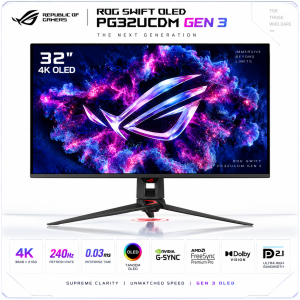
 ASUS ROG Swift OLED PG32UCDM3 Gen 3 32” 4K 240Hz Tandem QD-OLED Gaming Monitor – 0.03ms, BlackShield, G-SYNC, DisplayPort 2.1a
6,399.00 6,149.00

 ASUS ROG Swift OLED PG32UCDM3 Gen 3 32” 4K 240Hz Tandem QD-OLED Gaming Monitor – 0.03ms, BlackShield, G-SYNC, DisplayPort 2.1a
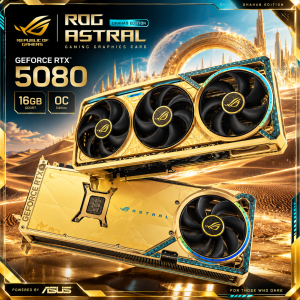 Asus ROG Astral GeForce RTX™ 5080 Dhahab CORE OC Edition
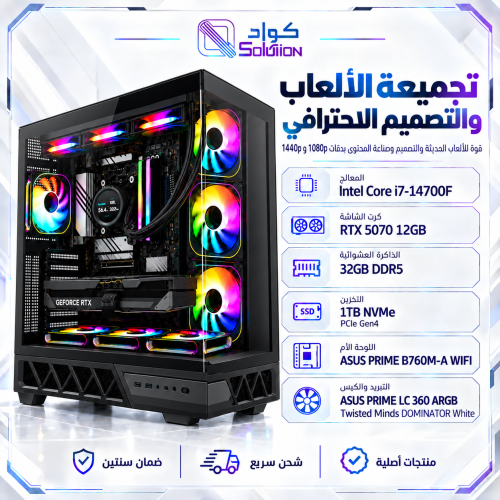
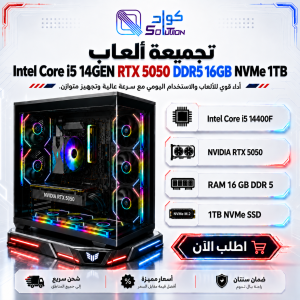 Gaming PC Intel Core i5-14GEN with RTX 5050 8GB, 16GB DDR5 RAM, 1TB NVMe SSD
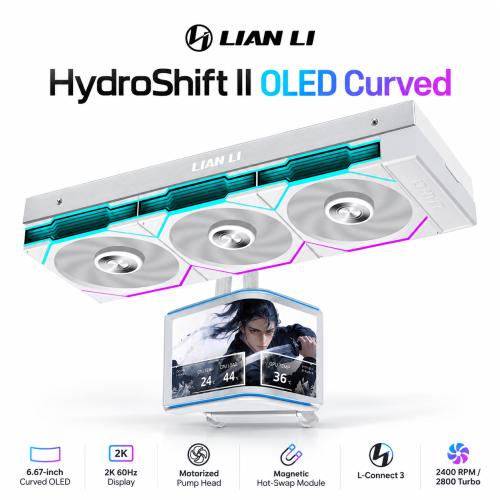
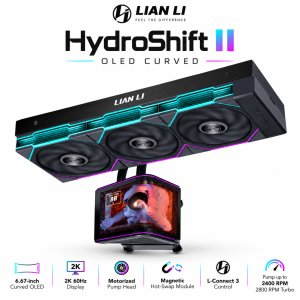 Lian Li HydroShift II OLED Curved 360 TL FLEX 360mm AIO Liquid CPU Cooler, 6.67-inch 2K 60Hz Curved OLED Display, Black
 Gaming PC Intel Core i5-14400F RTX 5060 Ti 8GB, 16GB DDR5 1TB NVMe SSD
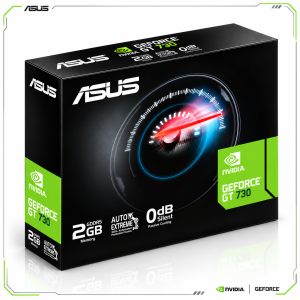 ASUS GeForce GT 730 2GB GDDR5 Silent Graphics Card, 4× HDMI, 4K Multi-Monitor Support
 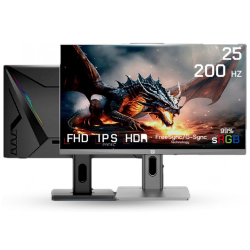 GameOne G1F25F200 25" FHD IPS, 200Hz, 0.5ms Response Time Gaming Monitor
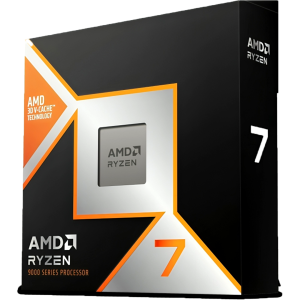 AMD RYZEN 7 9800X3D 8-Core, 16-Thread Desktop Processor